 01
Build somewhere new.
Establish scale, atmosphere, and the place your story lives. Give architecture and lighting as much intention as the main character.
A campaign, a world, a moment that does not exist yet. Turn the picture in your head into a high-resolution image with MiniMax H3 Image.
Make your first image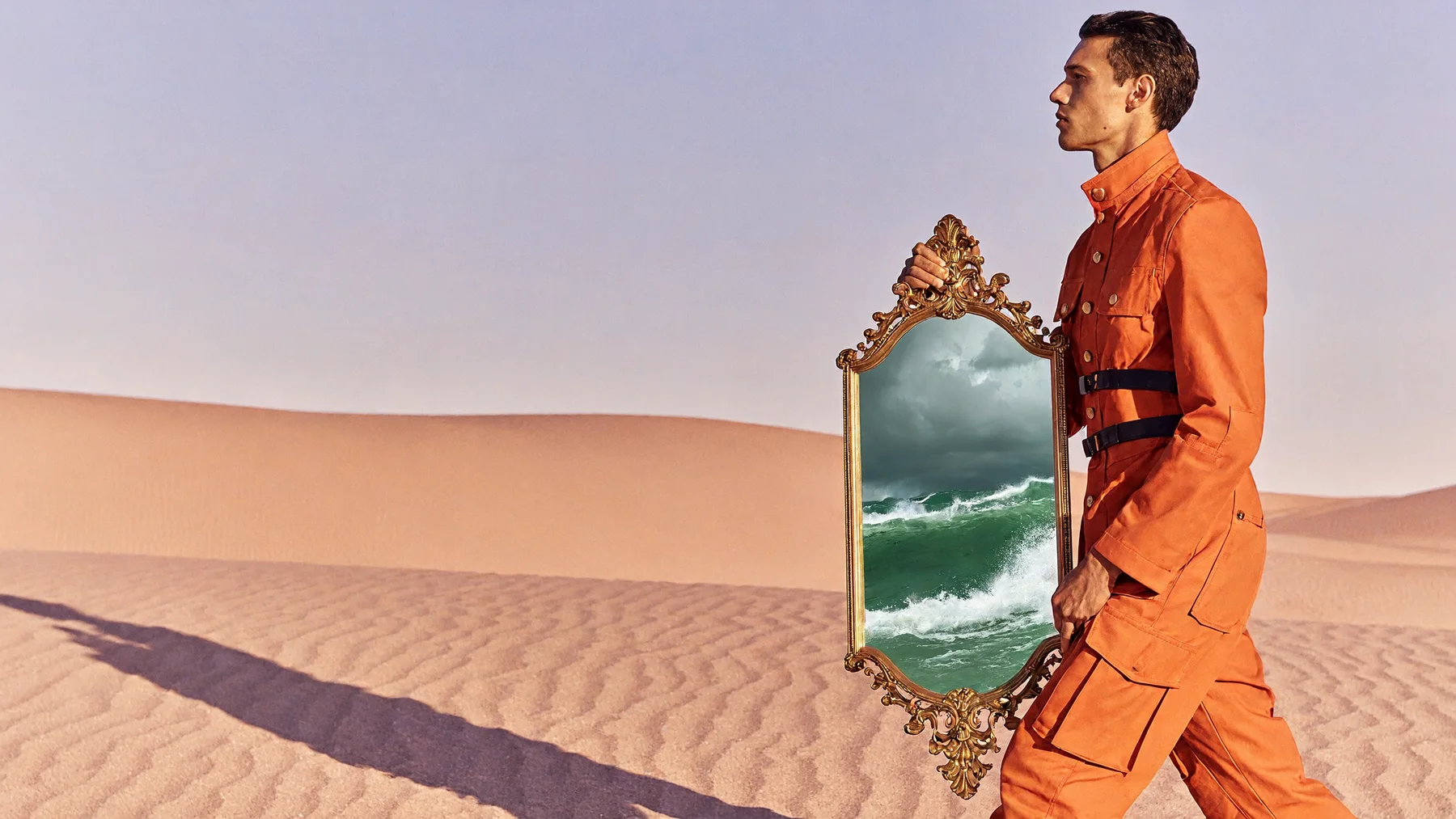 H3 IMAGE / OFFICIAL EXAMPLE
02 / The contact sheet
Real H3 Image examples, from imagined places to everyday objects. Pick a direction and make it your own.
01Establish scale, atmosphere, and the place your story lives. Give architecture and lighting as much intention as the main character.
 02
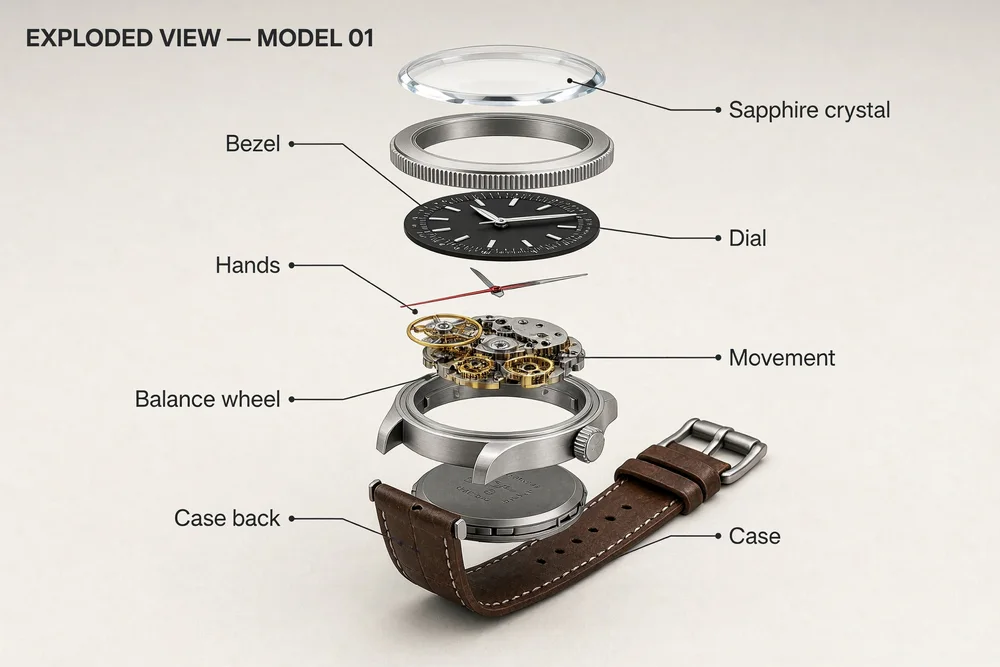
Use material, silhouette, and a carefully directed light source to make a product feel tangible. Technical images need clear labels and a readable order.
 03
Describe where daylight enters, the surfaces it touches, and the objects worth noticing. A few deliberate details create a more convincing room.
 04
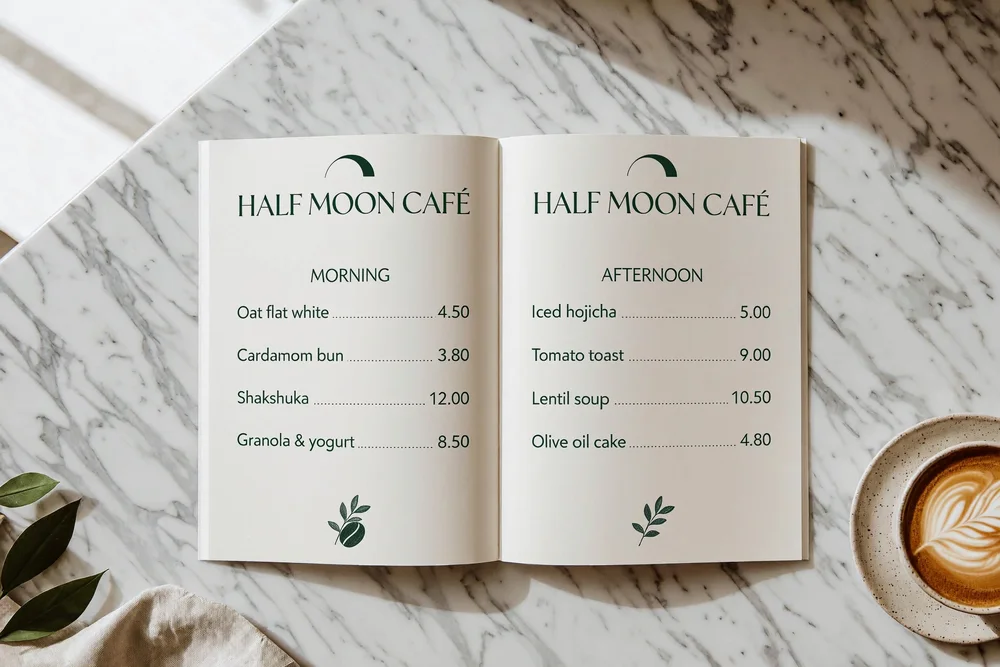
Posters, menus, and visual layouts begin with hierarchy. Write the exact copy, then tell the model how the page should be organized.
Official H3 Image examples published by fal. The prompt buttons load original starting ideas in a similar category, rather than the exact example prompts. fal.ai ↗
03 / A better brief
You do not need a wall of adjectives. A useful H3 Image prompt makes a handful of visual decisions clear. Start with these three, then change one thing at a time.
A prompt worth keeping
Subject + setting + composition + lighting + material + exact text, if needed.
A shop banner needs a different composition from an album cover. Name the format, the main subject, and the one thing a viewer should notice first. If you need space for copy, describe where that space belongs.
Choose a viewpoint, a light source, and a few physical materials. “Eye-level photograph, morning window light, rough linen and brushed brass” gives the image more direction than a stack of quality words. Keep object counts explicit when the composition depends on them.
For a poster or menu, put the exact text in quotation marks. Describe heading size, alignment, margins, and line breaks. Review the finished text at full size before publishing, especially names, numbers, and small labels.

04 / One frame, then a story
An image is a useful place to resolve a character, a composition, or a color palette before making a video. Download your H3 Image result, open the H3 Max workspace, and add it as the first frame. Then describe the action and camera movement.
Open the video workspace05 / Clear before you create
These are this site’s fixed generation credits, not Fal’s token rates. One PNG per request. Credits are reserved when generation starts and returned after a confirmed task failure.
View credit plans06 / FAQ
Model and API references · checked November 13, 2026
MiniMax H3 Image ↗
fal API ↗
H3 Image is MiniMax’s image-generation and editing model in the H3 family. This page connects to its text-to-image endpoint on fal. You write a prompt, choose a canvas, and receive a still image; the H3 Max workspace handles video generation.
They are area-based presets of approximately 1, 4, and 16 megapixels. The exact width and height depend on your selected aspect ratio and appear below the controls before you generate. For example, a square 4K image is 4096 × 4096 pixels.
Text and layout are supported uses of the model. For a more useful result, quote the exact words and specify their position and visual hierarchy. Always inspect the spelling, numbers, and small text in the output before using it in a finished design.
Sign in to generate and use your existing credit balance. Each request makes one image: 10 credits at 1K, 20 at 2K, or 40 at 4K. A failed provider task is refunded. Choosing a prompt or browsing the examples does not spend credits.
Yes. Download the PNG and add it to the H3 Max video workspace as a first frame. The image establishes the starting composition; your video prompt describes what happens next. Video generation is a separate task with its own credit cost.
The generator on this page currently creates images from text. MiniMax also publishes a separate H3 Image editing endpoint for reference-based workflows. The official model and API links below describe the broader model’s capabilities and supported inputs.